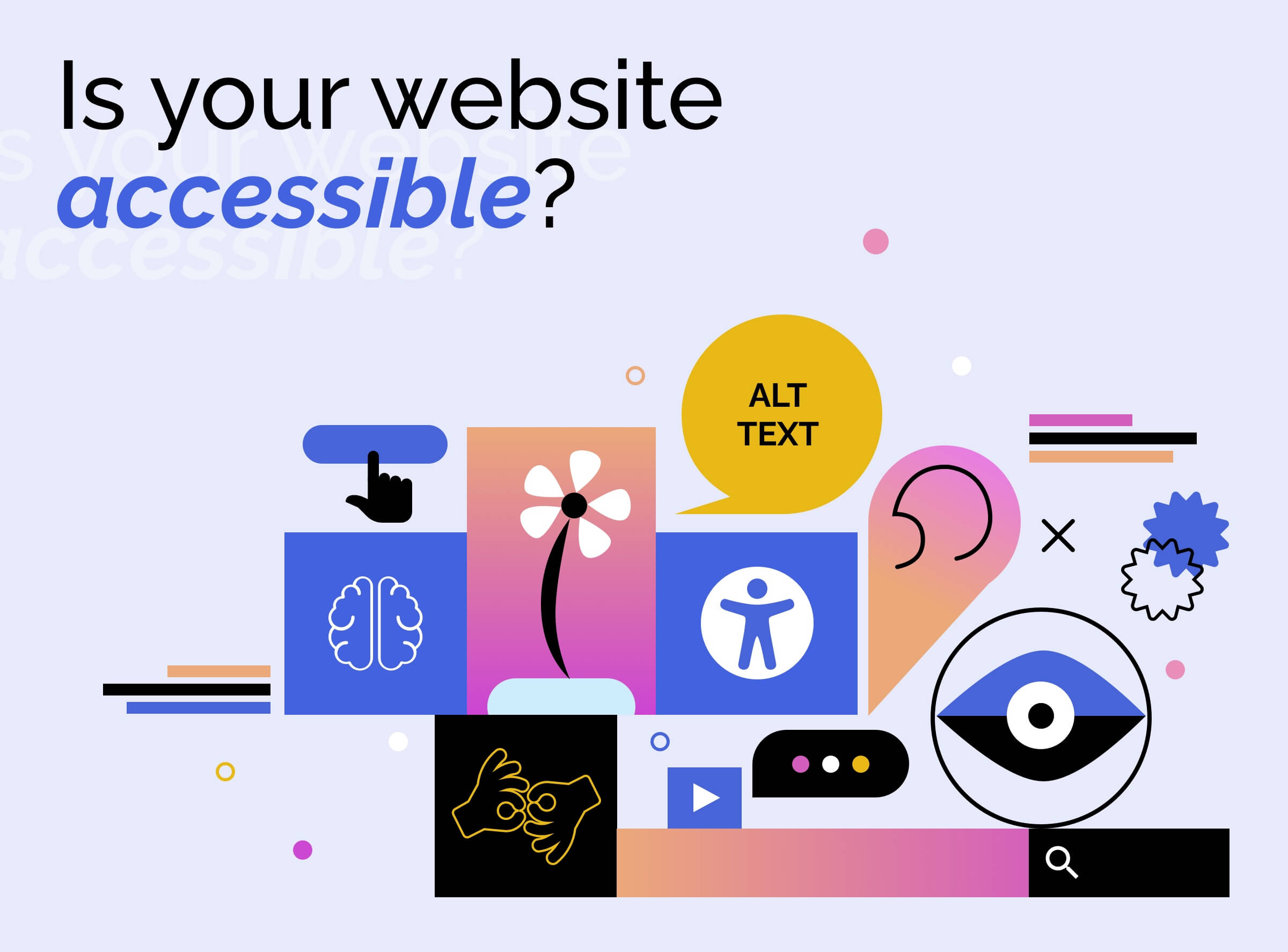
Understanding Web Accessibility: Key Principles for Inclusivity
Web accessibility is a critical aspect of creating an inclusive digital environment. It ensures that everyone, including individuals with disabilities, can access and interact with websites and applications effectively. Understanding the key principles of web accessibility is essential for developers and content creators who aim to reach a broader audience. One foundational framework for this is the Web Content Accessibility Guidelines (WCAG), which outlines specific criteria to help improve web usability for people with various disabilities.
The four key principles of web accessibility, often referred to as POUR, include Perceivable, Operable, Understandable, and Robust.
- Perceivable: Information must be presented in ways that users can perceive, which can involve providing text alternatives for non-text content.
- Operable: User interface components must be operable through various means, including keyboard navigation for those who cannot use a mouse.
- Understandable: The content and operation of the website must be easy to understand, which involves clear instructions and consistent navigation.
- Robust: Content must be robust enough to ensure compatibility with a wide variety of technologies, including assistive technologies.
10 Essential Tips to Enhance Your Website's Accessibility
In today's digital landscape, enhancing your website's accessibility is not just a best practice; it’s a necessity. With approximately 15% of the world's population experiencing some form of disability, it is crucial to ensure that your content is usable by everyone. Here are 10 essential tips to help you improve your website’s accessibility:
- Use Alt Text for Images: Always provide descriptive alt text for images to assist visually impaired users.
- Ensure Sufficient Color Contrast: Choose colors that offer high contrast to make text readable for users with visual impairments.
- Use Descriptive Link Text: Avoid vague phrases like 'click here'; instead, use descriptive text that conveys the link's purpose.
- Implement Keyboard Navigation: Ensure that users can navigate your site using only a keyboard.
- Provide Captions and Transcripts: Include captions for videos and transcripts for audio content to benefit deaf and hard-of-hearing users.
Continuing with our list, here are five more essential tips to round out your accessibility strategy:
- Use ARIA Landmarks: This helps screen readers identify different sections of a page quickly.
- Regularly Test Accessibility: Use accessibility checking tools to ensure that your website meets established standards.
- Limit Content that Flashes: Flashing content can trigger seizures in individuals with photosensitive epilepsy.
- Offer Zoom Functionality: Ensure that your site can be easily zoomed in without losing content or functionality.
- Educate Your Team: Train your web development team on accessibility best practices to maintain consistency across your content.
Is Your Website Accessible? Simple Steps to Evaluate and Improve
Ensuring your website is accessible is crucial for reaching a wider audience and meeting legal requirements. To evaluate your website's accessibility, start by performing an audit using tools like screen readers and keyboard navigation. Check for elements such as alt text for images, proper heading structure, and contrast ratio for text. You can also enlist the help of various online accessibility checkers that highlight areas needing improvement, making it easier for you to identify and address issues.
Once you've evaluated your site, implementing simple changes can significantly enhance accessibility. Start by incorporating semantic HTML elements to ensure assistive technologies interpret your content correctly. Additionally, consider providing transcripts for audio and video content, and utilize ARIA roles to improve navigation. Regularly updating your website with accessibility in mind is not only beneficial for users with disabilities but also contributes positively to your overall SEO strategy.